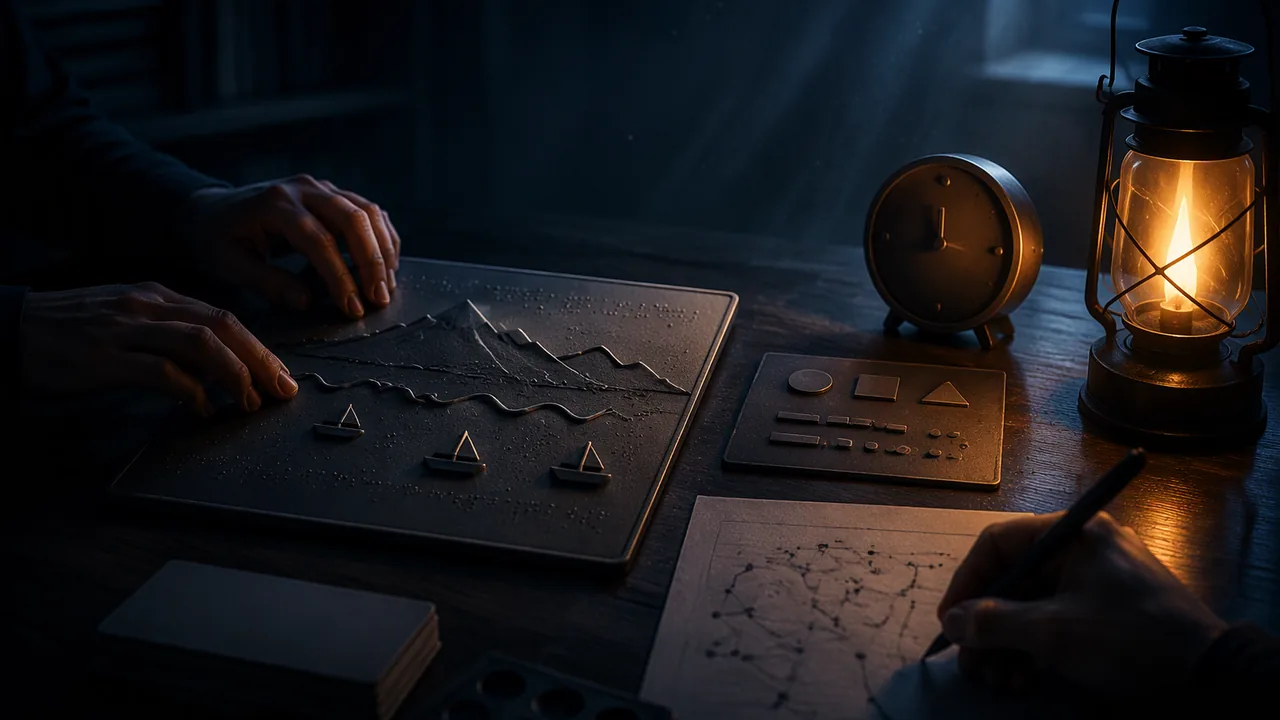
run a structured user test of a tactile graphic, record results without leading the reader, and evaluate how relevant a sighted tester’s feedback is compared with a blind or low-vision reader’s.
Instruction
Designers of anything meant to be used — apps, signs, tactile graphics — test it with users. A user test is different from a critique. In a critique, a viewer tells you what they think of the work. In a user test, you give a reader a task and watch what actually happens.
Tasks, not questions. Do not ask “Can you tell it’s a wave?” That leads the reader. Give tasks: “Using the key, find the boats. Tell me how many there are.” “Find the mountain. Where is it compared with the wave?” “Tell me what you think the whole picture shows.” Record exactly what the reader does and says, how long each task takes, and every place their hands hesitate or go wrong.
Do not help. The hardest rule. If the reader is stuck, wait, and write it down. If they are stuck for more than a minute, move to the next task. Every time you would have wanted to explain, you have found a problem in the graphic.
Think-aloud. Ask the reader to say what they are feeling and thinking as they explore: “This is rough… I think it’s the sea… now there’s a line going up.” Their words show you the order in which they build the image, which is the order your design must support.
Who tests matters. Most of you will test with sighted family members who close their eyes or read under a cloth, or with yourself after a full day away. That can reveal real problems — textures that are too similar, lines that are too faint. But it is not the same as a test by an experienced tactile reader. People who are blind and read tactile graphics regularly often explore more systematically and quickly than a sighted person with eyes closed, and they may find different problems, such as a key in an unusual place or clutter an expert would never tolerate. Disability advocates also caution that closing your eyes for a few minutes does not tell you what it is like to be blind, and can mislead people into thinking blindness is mainly about struggle. Use eyes-closed testing as a test of the graphic, never as a simulation of a life.
Weighing feedback. The arts standard for this lesson asks you to determine the relevance of criteria used by others. A sighted tester may say “it isn’t pretty”; for a tactile graphic, that criterion is less relevant than “I couldn’t find the boats.” A blind reader’s comment that the key is in the wrong place outweighs a sighted tester’s preference. Sort each comment into: highly relevant, somewhat relevant, not relevant to this purpose — and say why.
If a review can be arranged. Your family may know an experienced tactile reader, or a local organization serving people who are blind or have low vision may offer reviews. A parent or guardian makes any contact and is present; never reach out to anyone on your own. If a review happens, prepare your tasks in advance, thank the reviewer for their expertise, and ask permission before recording anything. If it does not, the reading’s second record, by a constructed experienced reader, shows what such a test can reveal.
📖 Read for this lesson
The reading opens over the lesson; close it to come back to exactly where you were. The checks below draw on it.
Formative check
Work through these before moving on. They are not graded — they tell you whether the standard below has landed yet.
Which is a good user-test task rather than a leading question?
Testing a tactile graphic with your eyes closed shows you what it is like to be blind.
Upload records of two user tests: tasks given, time taken, hesitations, errors and the reader’s own words. Sort each comment as highly, somewhat or not relevant to the graphic’s purpose, with a reason. List the three revisions you will make first.
How confident are you that you can run a fair user test and judge which feedback matters most?
Testing a Tactile Graphic: The Graphic, a Protocol, Two Test Records and Comments to Sort
SLS original (graphic, readers and records are constructed and illustrative) · SLS original (constructed, illustrative; no real reader or organization)
Why this reading. The lab asks you to run a user test of a tactile graphic, record without leading, and judge whose feedback matters. Few students can arrange a test with an experienced tactile reader, so this reading carries the graphic under test, the protocol, two complete test records and a comment set to sort. Everything here is constructed (SLS original, illustrative): the graphic, the readers and their words are invented for teaching, and are not any real person. Use it to learn the method, then run your own tests with your own graphic.
Graphic G1 (the graphic under test)
A 22 × 28 cm card in landscape, top left corner clipped. It is the worked Great Wave design from Lesson 4.2: a wave outline in a thick raised line curving up from the left; ribbed card inside it; seven beads along the crest; three card boats near the bottom (2.5 × 1 cm, one left, one center, one right); a felt triangle for Mount Fuji at the right, behind the wave; fine sandpaper along the bottom edge; the sky blank. The key is at the bottom left with five 1.25 × 2.5 cm samples in large-print labels.
The protocol
- Ask permission to record anything. Explain the test is of the graphic, not the reader.
- Say only: “Please explore this and tell me what you feel. Say aloud whatever you think as you go.”
- Give tasks, one at a time: Task 1: “Using the key, find the boats. Tell me how many there are.” Task 2: “Find the mountain. Where is it compared with the wave?” Task 3: “Tell me what you think the whole picture shows.”
- Do not help. If a reader is stuck for more than one minute, write it down and move on.
- Record, for each task: seconds taken, hesitations (where the hand stops or backs up), errors, and the reader’s exact words.
Record 1: Reader R1, a sighted family member, eyes closed (illustrative)
| Task | Seconds | Hesitations and errors | Words |
|---|---|---|---|
| 1 Boats | 95 | Found the key after 40 s; confused boat and mountain samples (both felt smooth). | “Two? No, wait, three. These little card things.” |
| 2 Mountain | 60 (stopped at 60) | Never found it. | “Is it this one? It feels like a boat.” |
| 3 Whole picture | 50 | None | “A wave, and boats on the sea. It isn’t very pretty.” |
Record 2: Reader R2, an experienced tactile reader (illustrative)
| Task | Seconds | Hesitations and errors | Words |
|---|---|---|---|
| 1 Boats | 35 | Went to the bottom left, found the key at once; read it in about 10 s. | “Three boats, evenly spaced.” |
| 2 Mountain | 28 | None | “Behind the wave, to the right, up. Felt is soft.” |
| 3 Whole picture | 40 | None | “A big wave breaking, boats below, a mountain far behind. The key sits where I hoped. The foam beads are too close to the ribs: I kept thinking they were part of the ribs.” |
Comments to sort
Sort each as highly relevant, somewhat relevant or not relevant to the graphic’s purpose (“a giant wave about to fall on three small boats, with a small mountain far behind”), with a reason.
| Comment | From | Sorted (worked for the first three) |
|---|---|---|
| “It isn’t very pretty.” | R1 | Not relevant: appearance is not the purpose. |
| “The foam beads are too close to the ribs.” | R2 | Highly relevant: names a clutter fault and a location. |
| “Boat and mountain samples feel the same.” | R1 | Highly relevant: two key symbols confused; task 2 failed. |
| “The key sits where I hoped.” | R2 | Somewhat relevant: confirms a design choice. |
| “It took me a while to find the key.” | R1 | (yours) |
Weighing: R2 completed all three tasks in under 45 seconds and R1 failed one; R1’s slowness may say more about eyes-closed inexperience than about the graphic, so compare tasks, not readers. Neither reader is a simulation of anyone’s life. Three revisions to draft: (1) replace the felt mountain with a texture that differs from the boats in hardness and height; (2) add 6 mm of blank space between beads and ribs; (3) keep the key where it is. Retest with a new reader.
Sources: BANA, Guidelines and Standards for Tactile Graphics (brailleauthority.org)