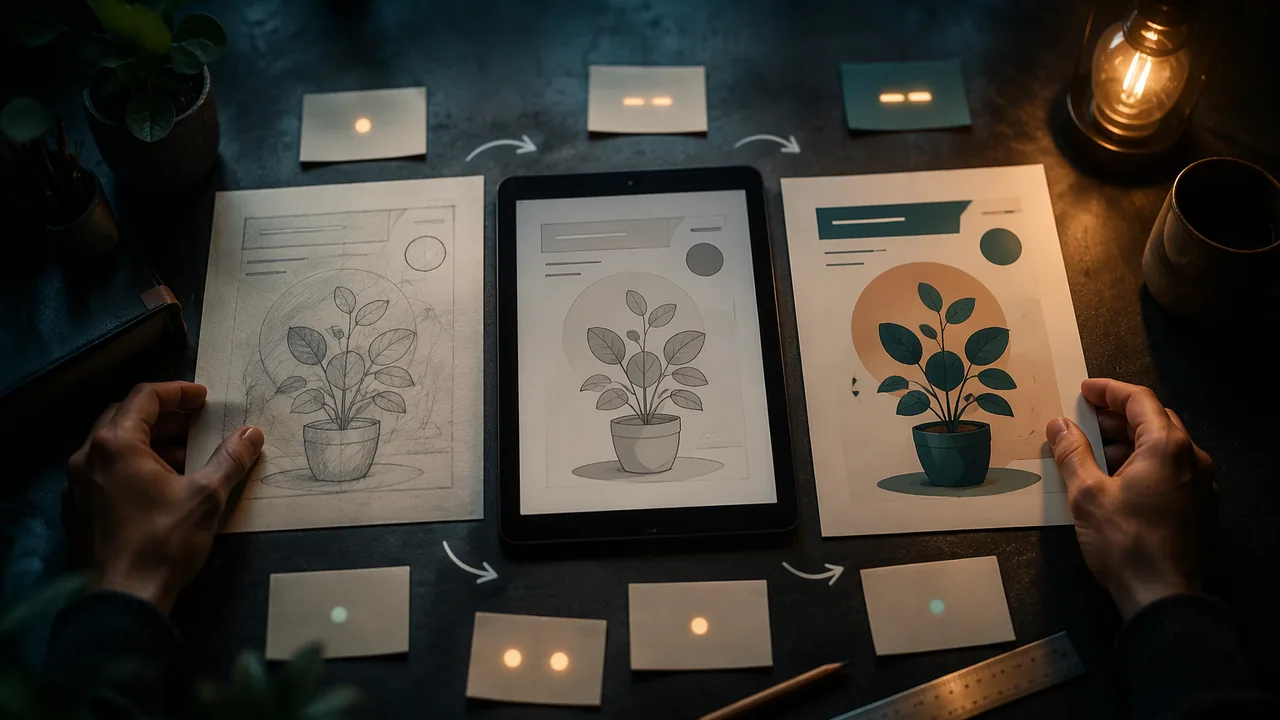
develop a design through at least three documented versions using at least two tools, justify each tool choice, and explain with evidence how iteration improved the result.
Instruction
This project shows two things a portfolio reviewer looks for: that you can choose and use the right tools, and that you can improve work through iteration.
Choose your design. Continue the recommended prototype from your Unit 2 case file, or design a new illustrated poster for the same client. Either way, the design must be substantial enough to improve: at least a headline, supporting text and one illustrated or photographic element.
Two tools, justified. Use at least one hand medium and one digital program. Write a tool-selection note of 100-150 words: which tool you used for each part of the job and why, referring to the output, the content and the need to scale or edit. For example: “I drew the crate illustration by hand for its rough texture, traced it in Inkscape so it scales from the poster to a social post, and set the type in Inkscape because the poster has little text; a multi-page brochure would have gone to Scribus.”
Three versions, minimum. Version 1 is your starting draft. For each later version, collect written feedback from two sources: your own dated self-critique after at least a day away, and, where possible, a family member or other adult (ideally someone from the audience). Record it with your decision in the change log. Save every version with a numbered file name. Do not overwrite.
The asset log. List every image, icon and font in the final design with its source and license, or “original” if you made it. Anything without a clear license must be replaced. Check the log line by line against the final file before you submit.
The comparison. Place version 1 and the final side by side and annotate at least four changes with arrows or numbered callouts. Each annotation says what changed and what evidence prompted it.
The reflection (400-600 words). Explain how iteration improved the design, using specific evidence: feedback quotations, test results or your own before-and-after observations. Discuss what each tool made easier or harder, and one thing you would do differently. Avoid general statements such as “feedback helped a lot”; say which feedback, what you changed and what improved.
The showcase. Build a one-page showcase (a PDF or a slide) that displays the first and final versions with the annotations, and record a 60-second explanation of one decision. If family members or other adults view it, ask each for a written comment; then respond in writing to two comments, or, if no one views it, to two of the showcase questions in the project reading.
📖 Read for this lesson
The reading opens over the lesson; close it to come back to exactly where you were. The checks below draw on it.
Formative check
Work through these before moving on. They are not graded — they tell you whether the standard below has landed yet.
Which reflection sentence gives the strongest evidence?
An image can stay in the final design if you credit the website where you found it, even without a license.
How confident are you that you can document a design through three versions and explain with evidence how iteration improved it?
Submit: Iteration portfolio (three or more versions, logs, annotated comparison) + 400-600-word reflection + showcase
Task: Develop one design through at least three documented versions using at least two tools (one by hand, one digital). Justify your tools, log every change and asset, annotate the first and final drafts side by side, and reflect on how iteration improved the design.
Submission workflow
- Stage 1 — Plan. Version 1, the tool-selection note, a draft asset log and a schedule with dates for each version.
- Stage 2 — Self-reviewed draft. Version 2 with written feedback (your dated self-critique, plus an adult viewer’s notes where possible) and change-log entries; you check the asset log line by line for any missing license.
- Stage 3 — Revised final. The final version, the complete change and asset logs, the annotated comparison and the 400-600-word reflection.
- Stage 4 — Showcase. Submit the one-page showcase and the recorded 60-second explanation; respond in writing to two viewer comments or two of the showcase questions in the project reading.
How it is scored
| Criterion | What proficient looks like |
|---|---|
| Iterative process (GADP.FND.6 / GADP.FND.4) | At least three versions, each driven by recorded feedback, with purposeful changes. |
| Tool choice (GADP.FND.6 / GADP.IMG.7) | Hand and digital tools used well, and choices justified by output, content and editing needs. |
| Final quality (GADP.DES.6) | The final design meets its criteria with a clear hierarchy, consistent craft and correct file output. |
| Rights and credit (GADP.WRS.1) | Every asset listed with source and license; nothing unlicensed in the final. |
| Reflection (WHST.9-10.2) | Specific evidence explains how iteration improved the design and what each tool contributed. |
| Showcase (SL.9-10.5) | Clear visual display of the comparison with annotations; confident explanation of a decision. |
Iteration Portfolio: Criteria at Four Levels, an Exemplar Tool Note, Asset Log, Annotated Comparison and the Feedback Sheet
SLS original brief and exemplars; constructed poster and feedback · SLS original
Why this reading. The portfolio project asks for three versions, a tool-selection note, a change log, an asset log, an annotated comparison, a 400-600-word reflection and a showcase. The lesson describes them; here are the criteria at four levels, an exemplar of each record, the feedback sheet and the showcase questions. SLS original; the poster in the exemplars is the constructed food bank poster from the Unit 2 and 3.4 readings.
Criteria at four levels
| Criterion | 2 Developing | 3 Proficient | 4 Exemplary |
|---|---|---|---|
| Versions | Two versions, overwritten files | Three or more, numbered files, none overwritten | Each version answers a specific finding |
| Tools | One tool | One hand medium and one digital program, each justified in the note | Justification refers to output, content and scaling |
| Feedback and change log | Feedback listed, not used | Written feedback from two sources per later version (a dated self-critique and, where possible, an adult viewer), every comment logged with a decision | Distinguishes goal from taste |
| Assets | Some sources missing | Every image, icon and font has source and license or “original”; no unlicensed asset in the final | Replaced assets noted |
| Comparison and reflection | “Feedback helped” | Four annotations with evidence; 400-600 words citing specific feedback and results | Names what the tools made harder |
Exemplar tool-selection note (SLS original, about 110 words)
“I drew the crate illustration by hand with a marker because the rough texture of the slats suits a food bank. I scanned it at 300 ppi and traced it in Inkscape so it scales from the 8.5 × 11 inch poster to a social post. I set the type in Inkscape, since the poster has under thirty words and needs exact sizes I can edit. A multi-page volunteer handbook would go to Scribus, where text flows across pages. I did not use GIMP for the final because nothing in the design is a photograph.”
Exemplar asset log
| Asset | Source | License |
|---|---|---|
| Crate illustration | Drawn by me, scanned Oct. 1 | Original |
| Headline font | A font under the SIL Open Font License (name and download page recorded) | SIL OFL |
| Valley Harvest logo | Supplied by the client, vector file | Used with client permission |
| Sunrise photo (removed in v3) | Website with no license stated | None: replaced by my own drawing |
Exemplar annotated comparison (four callouts)
1. Logo 2.5 to 1.25 in.: two testers read the logo first. 2. Headline 36 to 54 pt: headline now read first by all three testers. 3. Time moved under the headline at 24 pt: found in under 5 seconds by both testers, against not found in v1. 4. Code enlarged from 0.75 to 1.25 in.: scanned from 3 feet on the first try.
Exemplar reflection sentence
“Two testers could not find the time in version 1, so I moved it under the headline in 24 point; in version 3 both found it in under five seconds.” Compare “feedback helped a lot,” which names nothing.
Showcase, feedback sheet and showcase questions
Your recorded 60-second explanation at 130 to 150 words per minute is 130 to 150 words: one decision, the evidence, the result. Feedback sheet for each version (for you after a day away, or for an adult viewer): What did you notice first? What is this asking you to do? Where did your eye get stuck? What one change would help most, and is it about the goal or your taste?
Showcase questions (answer two in writing if no viewer comments on your showcase): (1) Which single change from version 1 to the final mattered most, and what evidence shows it? (2) Which feedback did you decide not to act on, and why? (3) What did the hand medium do that the digital tool could not? (4) What would version 4 change?