explain how input devices and display types shape play, distinguish functionality from usability, and improve my character controller through a structured playtest by a family member or a self-playtest after a day away.
Instruction
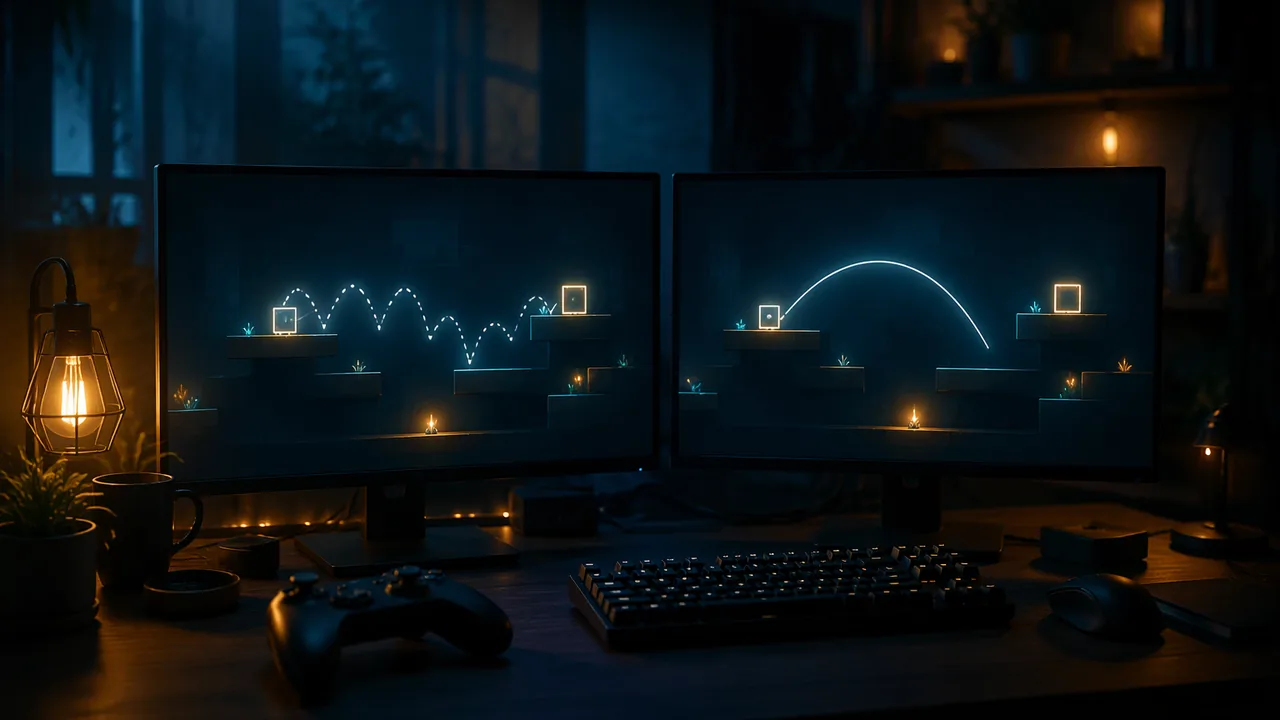
Two platformers can have identical levels and art and still feel completely different. The difference is game feel: the moment-to-moment sensation of control, made from input response, motion and feedback. Players rarely name it, but they feel it within seconds.
Functional is not the same as usable. Your character from Lesson 3.2 is functional: it moves, jumps and lands. Whether it is usable is a different question: can a new player control it precisely without frustration? Functionality is tested by checking that features work; usability is tested by watching people use them. A menu that works but hides the Start button is functional and unusable.
Input devices shape design. A keyboard gives digital input: a key is up or down. An analog stick gives a range, so a character can creep or sprint. Touch screens have no physical buttons, so thumbs cover part of the screen and precise timing is harder. Motion controllers and VR track hands and heads, which makes some actions natural and others tiring. The display matters too: text readable on a monitor at arm’s length may be unreadable on a television across a room or on a phone. Design for the device your audience will actually hold.
Three tuning techniques. Designers use small, invisible rules to make controls feel fair.
Acceleration. Instead of reaching full speed instantly, the character speeds up and slows down over a short time. That makes it feel weighty. Replace the velocity.x line with:
velocity.x = move_toward(velocity.x, direction * speed, acceleration * delta)with @export var acceleration: float = 1200.0 at the top. move_toward moves the first value toward the second by at most the third. At 1200 px/s², reaching 220 px/s takes about 0.18 s.
Coyote time. Players press jump a split second after running off a ledge and feel cheated when nothing happens. Coyote time (named after the cartoon coyote who hangs in mid-air before falling) allows a jump for a brief moment after leaving the floor:
@export var coyote_time: float = 0.1
var coyote_timer: float = 0.0

# inside _physics_process, before the jump check:
if is_on_floor():
	coyote_timer = coyote_time
else:
	coyote_timer -= delta
if Input.is_action_just_pressed("jump") and coyote_timer > 0.0:
	velocity.y = jump_velocity
	coyote_timer = 0.0
Jump buffering is the mirror image: if jump is pressed a moment before landing, the jump happens on landing.
Feedback. A small dust puff on landing, a sound on jump or a slight squash of the sprite tells the player the game heard them. Feedback is part of feel, and it matters most for players who cannot rely on one sense.
The playtest protocol. Usability is found by watching someone who did not build the thing. Choose one route. Family playtest: ask a parent, guardian, sibling or other adult you know to play your character at home for three minutes. Use a consent script: “I am testing the controls of a game I built for my course. Would you play for three minutes? I will take written notes on what happens, not record you, and you can stop at any time.” Do not record anyone on video or audio without their permission, and for anyone under 18, a parent’s OK. Never test with strangers online. While they play, stay silent and write what they try and what happens. Afterwards ask them to report in three parts: what I tried to do, what happened and how it felt. You may only ask clarifying questions. Self-playtest: if no one is available, leave the build alone for at least a day, then play it for three minutes as if for the first time and write the same three parts about yourself. Either way, choose one tuning change, predict its effect, make it and test again. In studios, programmers often use a related habit called pair programming: one person types (the driver) while the other reviews and suggests (the navigator), switching every ten minutes. Working solo, you can borrow its spirit by reading your own code aloud line by line before you run it.
📖 Read for this lesson
The reading opens over the lesson; close it to come back to exactly where you were. The checks below draw on it.
Formative check
Work through these before moving on. They are not graded — they tell you whether the standard below has landed yet.
Every button in a game’s settings menu works, but testers take over a minute to find the volume control. This is a problem of…
With acceleration 1200 px/s², a character reaches a top speed of 300 px/s after 300 ÷ 1200 = s.
Write the playtest notes for your character in three parts: what the tester (a family member, or you after a day away) tried to do, what happened, and how it felt. Say which route you used. Then record the tuning change you chose, your prediction and the result after testing.
How confident are you that you can explain how input and display shape play and improve a controller through a structured playtest?
Practice
Work these on paper or in your notebook, then open Check your answer. Aim for all of Fluency and Application; try at least one Challenge.
Printable version: this unit’s practice workbook (PDF)
Fluency
Build speed and accuracy with the core skill.
- Define functionality and usability, and say how each is tested.
Check your answer
Answer: Functionality: the features work. Usability: real users can use a working feature easily and comfortably to do what they intend. Functionality is tested by checking features work; usability by watching people use them.A menu that works but hides the Start button is functional and unusable. - Define coyote time and jump buffering.
Check your answer
Answer: Coyote time: a short grace period after leaving a ledge during which a jump still works. Jump buffering: if jump is pressed a moment before landing, the jump happens on landing.Both are small invisible rules that make controls feel fair. - Compare keyboard input with an analog stick and with a touch screen in one sentence each.
Check your answer
Answer: Keyboard: digital, a key is up or down. Analog stick: a range, so a character can creep or sprint. Touch screen: no physical buttons, thumbs cover part of the screen and precise timing is harder.Design for the device your audience will actually hold.
Application
Use the skill in context. Show your reasoning.
- Using move_toward with acceleration 900 px/s², how long does a character take to reach a top speed of 270 px/s from rest?
Check your answer
Answer: 0.3 s.time = speed ÷ acceleration = 270 ÷ 900 = 0.3 s. - Coyote time is 0.1 s and the game runs physics 60 times a second. About how many frames of grace does a player get? What if you raise it to 0.15 s?
Check your answer
Answer: 6 frames; 9 frames.0.1 × 60 = 6 and 0.15 × 60 = 9. - Code reading: in the coyote-time code, the jump sets coyote_timer = 0.0 right after velocity.y = jump_velocity. What would go wrong if that line were deleted?
Check your answer
Answer: Right after jumping, the timer could still be above zero, so a second press within the grace period would jump again in mid-air (an accidental double jump).Clearing the timer uses up the grace period once a jump happens. - Your game’s text reads well on a laptop but the game will also be played on a television across a room and on a phone. What should you check, and why?
Check your answer
Answer: Check text size and readability on each display: text readable at arm’s length may be unreadable on a TV across a room or on a small phone screen.Display type shapes design as much as input does. - A tester’s note says only: “Controls bad.” Rewrite it in the three-part playtest format.
Check your answer
Answer: Model answer: What I tried: jump from the edge of the second platform. What happened: nothing; I fell. How it felt: cheated, because I pressed jump just after running off the edge.The three parts are what I tried to do, what happened and how it felt. This note points toward adding coyote time.
Review
Keep earlier skills sharp.
- Review (Lesson 3.2): the peak height of a jump is predicted by h = v² ÷ (2g). What is the peak for v = 420 and g = 980, and why does the real jump come out a few pixels higher?
Check your answer
Answer: 90 px. The engine updates in steps, 60 times a second, so the real peak is about 93 px; the formula is a designer’s estimate.420² = 176,400 and 2 × 980 = 1960; 176,400 ÷ 1960 = 90.
Game Feel: Tuning Numbers, a Controller to Critique, a Model Critique and a Usability Test
SLS original; numbers computed by SLS and checked in Godot 4.7.2; controller and tester data invented · SLS original
Why this reading. The critique lab asks you to playtest your own character (with a family member, or yourself after a day away), choose one tuning change, predict its effect and test it. A critique needs numbers and a model, so this sheet gives the tuning arithmetic, a described controller to critique, a model critique in the three-part format and a usability-test sample. The controller, tester times and results are invented (SLS original).
Acceleration in frames
At acceleration 1200 px/s² and 60 fps, speed rises by 1200 ÷ 60 = 20 px/s every frame. Reaching a top speed of 220 takes 220 ÷ 20 = 11 frames (0.18 s) and covers 22 px along the way. Reaching 300 takes 15 frames (0.25 s) and covers 40 px.
| Frame | Speed (px/s) |
|---|---|
| 1 | 20 |
| 2 | 40 |
| 3 | 60 |
| 5 | 100 |
| 8 | 160 |
| 11 | 220 (top speed) |
Coyote time and jump buffer in frames
0.1 s at 60 fps is 6 frames. A character running at 220 px/s covers 0.1 × 220 = 22 pixels in that window, so coyote time lets the player jump up to 22 pixels past the edge. A 6-frame jump buffer accepts a press made up to 6 frames (0.1 s) before landing.
Devices and what they give a designer
| Device | Input type | Design consequence |
|---|---|---|
| Keyboard | Digital: a key is up or down | Speed is on or off, so acceleration creates the sense of weight |
| Analog stick | A range from 0 to full | A character can creep or sprint |
| Touch screen | No physical buttons; thumbs cover the screen | Big controls, forgiving timing |
| Motion controller or VR | Tracks hands and head | Some actions natural, some tiring |
A controller to critique (invented)
Character “Pip”: speed 220, no acceleration (instant top speed), jump −420, gravity 980, no coyote time, no jump buffer, no sound on jump.
Model critique, three parts
What I tried to do: stop on a 40-pixel platform. What happened: Pip stopped instantly, and in 6 of 10 attempts I pressed jump just after leaving the edge and nothing happened. How it felt: twitchy, and unfair at ledges. Tuning change: add 0.1 s of coyote time. Prediction: missed ledge jumps fall from 6 of 10 to 2 or fewer of 10. Result (invented): 1 of 10.
Functional versus usable: a usability test (invented)
Five testers in a studio test were asked to find the volume control in Pip’s menu. Times in seconds: 70, 45, 90, 65, 80. Mean = 350 ÷ 5 = 70 seconds. The control works (functional) but takes over a minute to find (unusable). Fix: move it to the first screen, then retest with five new testers.
Playtest rules
Family playtest: read the consent script from the lesson, let the tester play three minutes while you stay silent and take written notes, then ask for the three parts; you may only ask clarifying questions. Record no one without permission, and for anyone under 18 only with a parent’s OK; never test with strangers online. Self-playtest: wait at least a day, play three minutes as if for the first time, and write the three parts about yourself. In studios, pair programming has a driver who types and a navigator who reviews, switching every ten minutes; solo, read your code aloud line by line before running it.