analyze how the elements of art create mood and identity in a game’s art style, build and test a layered mood board in GIMP or Krita, and judge whether each asset on it may legally be used.
Instruction
Players judge a game in seconds from a single screenshot. Art style is how a game tells them what kind of experience it is before they touch a button.
The elements of art. Line: thick, wobbly outlines feel playful; thin, sharp lines feel precise or tense. Shape: designers use shape language, with round shapes reading as friendly and safe, triangles and spikes as danger or energy, and squares as stable and strong. Color: hue, saturation and temperature carry mood, from warm, saturated palettes that feel energetic to cool, desaturated ones that feel lonely or calm. Value, how light or dark a color is, controls what players notice: the player character and hazards should contrast in value with the background so they read even in greyscale. Texture, whether painterly, pixelated or smooth, sets tone. Space and balance decide where the eye goes and whether a scene feels calm or uneasy.
Reading an art style. To critique a style, answer three questions: what mood does it create, which elements create it, and does it serve the game? A horror game with bright, rounded, high-saturation art is not wrong, but it had better be deliberate, perhaps for contrast. A test designers use: turn a screenshot to greyscale. If you can no longer find the player and the danger, the value design is weak, and players with some kinds of color-vision deficiency will struggle too.
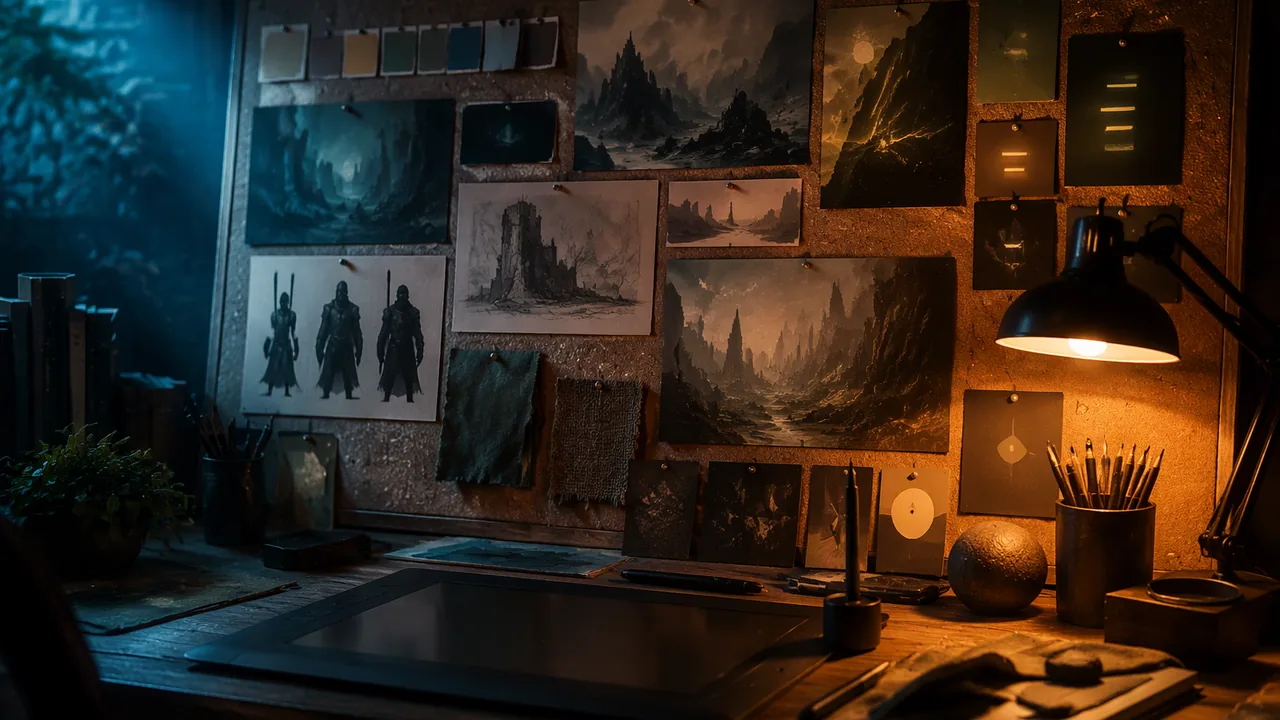
Mood boards. A mood board is a collection of reference images, colors, textures and type that defines a target look before production starts. It lets a team agree on a direction quickly. Include a palette of five to seven colors, shape references, a lighting reference and one or two texture samples, and annotate each: why this image?
Building the board in GIMP or Krita. Both are free, open source and need no account. Acquire images from several sources: photos of your own sketches or of textures around the house taken with a phone, a flatbed scan, screenshots of your own Godot builds, and CC0 or CC BY downloads. Copy them into one project folder first. Import them as layers: in GIMP, start a new canvas (1920 × 1080 suits a screen) and choose File → Open as Layers, which adds each file as a new layer at the top of the stack; Krita can likewise import an image file as a new layer. Compose with layers and selections: each reference sits on its own layer, so you can move, scale or hide it without touching the others; draw a rectangle selection and fill it on a new layer to make each palette swatch; select part of a photo to cut a texture sample. Edit where the board needs it: Colors → Brightness-Contrast in GIMP adjusts the active layer or selection, which helps a dim phone photo match the others, and a hue or tint change can pull a reference toward your palette (note the change in your asset log; CC BY requires you to say so). Image modes. Screens make color from red, green and blue light, so game art stays in RGB mode. CMYK (cyan, magenta, yellow, black ink) is the subtractive model used for printing, so a printed box or poster is prepared for it. Grayscale mode keeps a single channel of grays, from black (0) to white (255) in an 8-bit image. Indexed mode limits the image to a palette of up to 256 colors, as in classic GIF files and much pixel art. For the greyscale test, duplicate the image (Image → Duplicate) and convert the copy with Image → Mode → Grayscale; keep the original in RGB.
Whose images are they? Here is the legal framework every game maker needs.
- Copyright protects original creative work (art, music, code, writing) automatically, from the moment it is fixed in a tangible form. You do not need to register it or use the © symbol for it to be protected. Most images you find online are copyrighted.
- Fair use is a U.S. legal defense that sometimes allows limited use without permission, judged on four factors: the purpose of the use (for example, criticism, commentary or education), the nature of the work, how much is used and the effect on the market for the original. A private study mood board of references is a very different case from putting someone else’s art into a game you publish. Do not assume a published game is fair use.
- Trademarks protect names, logos and characters that identify a brand. Fan games that use famous characters are frequently taken down.
- Creative Commons licenses let creators grant permission in advance. CC0 places work as close to the public domain as possible. CC BY requires credit. SA (ShareAlike) requires your derivative to use the same license; NC (NonCommercial) forbids commercial use; ND (NoDerivatives) forbids changes. Read all the letters.
- Piracy, copying and distributing games or assets without permission, is illegal and harms developers, many of them small independents.
AI-generated images. The U.S. Copyright Office’s position is that material generated entirely by AI is not protected by copyright, while a human’s creative selection, arrangement or modification can be. Many game jams and stores also require you to disclose AI-generated content. If you use it, disclose it and record how it was made.
The asset log. For every asset, record title, author, source link and license (the TASL format). If you cannot fill in all four, do not use the asset in anything you publish.
📖 Read for this lesson
The reading opens over the lesson; close it to come back to exactly where you were. The checks below draw on it.
Formative check
Work through these before moving on. They are not graded — they tell you whether the standard below has landed yet.
A student finds a great background image on a search engine with no license shown. Can they put it in a game they plan to share online (with a parent’s permission)?
An asset is licensed CC BY-NC. Which use is allowed?
Missouri standard: MM.IMG.1, MM.IMG.4, MM.IMG.5
Build your mood board in GIMP or Krita, then critique it yourself the next day (a family member may add one comment). List where each image came from and how you imported it (phone photo, scan, screenshot or download, opened as a layer); name the mood the board creates and two elements of art that create it; describe one edit you made with Brightness-Contrast or a tint and why; run the greyscale test on one image and report the result; and check two entries in your asset log for all four TASL parts. End with one change you will make.
Missouri standard: MM.IMG.3
You want to run the greyscale test on a reference for your game’s title screen. Which workflow is right?
How confident are you that you can analyze an art style, build and test a layered mood board, and judge whether an asset may be used?
Practice
Work these on paper or in your notebook, then open Check your answer. Aim for all of Fluency and Application; try at least one Challenge.
Printable version: this unit’s practice workbook (PDF)
Fluency
Build speed and accuracy with the core skill.
- What does each basic shape usually communicate in shape language: round, triangular, square?
Check your answer
Answer: Round: friendly and safe. Triangular or spiky: danger or energy. Square: stable and strong.Line, color, value, texture and space also carry mood. - Match the image mode to its use: RGB, CMYK, Grayscale, Indexed.
Check your answer
Answer: RGB: screens and game art. CMYK: printing (a box or poster). Grayscale: one channel of grays, 0 (black) to 255 (white) in 8 bits. Indexed: a palette of up to 256 colors, as in GIF and much pixel art.For the greyscale test, convert a duplicate and keep the original in RGB. - What does each Creative Commons element require or forbid: CC0, BY, SA, NC, ND?
Check your answer
Answer: CC0: as close to public domain as possible. BY: give credit. SA: your derivative must use the same license. NC: no commercial use. ND: no changes.Read all the letters before using an asset.
Application
Use the skill in context. Show your reasoning.
- Can you use each asset in a free game you share online? (a) a CC BY-ND sprite you want to recolor; (b) a CC0 sound; (c) a CC BY-SA background, in a game you release under the same license with credit; (d) a fan-art image of a famous cartoon character.
Check your answer
Answer: (a) No: ND forbids changes. (b) Yes. (c) Yes, with credit and the same license. (d) No: characters are protected by trademark (and copyright), and fan games using famous characters are frequently taken down.Credit is not permission; only the license or written permission is. - List the four fair-use factors, and explain why a private study mood board is a different case from putting the same image into a published game.
Check your answer
Answer: Purpose of the use, nature of the work, amount used and effect on the market for the original. A private study board is educational and does not compete with the artist; a published game distributes the art and could affect its market. Do not assume a published game is fair use.Fair use is a U.S. legal defense, judged case by case. - According to the U.S. Copyright Office’s position described in the lesson, is an image generated entirely by AI protected by copyright? What should you do if you use one?
Check your answer
Answer: No; material generated entirely by AI is not protected, though a human’s creative selection, arrangement or modification can be. Disclose it and record how it was made.Many game jams and stores also require disclosure of AI-generated content. - You run the greyscale test on a screenshot and can no longer tell the player from the background. What does that show, and what should you change?
Check your answer
Answer: The value contrast is weak. Change the value (lightness or darkness) of the player or the background so they contrast; players with some kinds of color-vision deficiency would struggle too.The player character and hazards should contrast in value so they read even in greyscale. - Write a complete TASL entry for a texture photo you took yourself, and say what to do with an asset if you cannot fill in all four parts.
Check your answer
Answer: Model: Title: Brick wall texture; Author: [your name]; Source: own phone photo; License: original work. If you cannot fill in all four, do not use the asset in anything you publish.TASL = title, author, source link, license. If you edit a CC BY asset, note the change.
Review
Keep earlier skills sharp.
- Review (Lesson 4.1): what is a silhouette, and how could the greyscale test help you check one?
Check your answer
Answer: The outline shape of a character, which should be recognizable on its own. In greyscale, color cues disappear, so you see whether the shape and value still read.Silhouettes let players recognize a character in a fraction of a second, even small and in motion.
Art Style and Asset Rights: A Mood Board and Asset Log to Judge, the Rules and the Greyscale Numbers
SLS original mood board and log (invented); rules from copyright.gov (17 U.S.C. 107; Copyright and AI Part 2, Jan. 2025) and creativecommons.org deeds, read 2026-09-26 · SLS original; quoted CC BY deed sentence (CC BY 4.0)
Why this reading. The lab asks you to run the greyscale test on a mood-board image and check an asset log for all four TASL parts, and the quiz asks about licenses. You need a mood board and asset log in front of you and the rules of use, so this file supplies an invented mood board and log to critique, the legal rules in brief with their sources, and the numbers for the greyscale test. Everything about the board and log is invented (SLS original).
Mood board for Dam Break (invented): palette and greyscale values
Greyscale value = 0.2126 × R + 0.7152 × G + 0.0722 × B, from 0 (black) to 255 (white). Example: Boat orange #D94F30 has R 217, G 79, B 48, so 0.2126 × 217 + 0.7152 × 79 + 0.0722 × 48 = 46.1 + 56.5 + 3.5 = 106.
| Color | Hex | Greyscale value |
|---|---|---|
| Reed green | #2E7D4F | 105 |
| Boat orange | #D94F30 | 106 |
| Sun yellow | #F2C94C | 201 |
| Night navy | #1F2A44 | 42 |
| Sky blue | #8FB8DE | 178 |
| Paper cream | #F4E9D8 | 234 |
Image A: an orange boat on a reed-green background: values 106 against 105, nearly identical. In greyscale the boat disappears, so it fails the test (and is hard for some color-blind players). Image B: a yellow boat on night navy: 201 against 42, a difference of 159, so it passes. Elements of art: B’s warm color and dark value against cool background creates urgency (mood: tense), the pointed prow (triangle shape) adds energy.
Asset log to check (invented; game will be sold for $2)
| # | Title | Author | Source | License | Your verdict |
|---|---|---|---|---|---|
| 1 | Sunset over reeds | Example Photographer | [link] | CC BY 4.0 | Usable with credit and a note if cropped |
| 2 | Boat sprite | Student | Own drawing | Own work | Usable |
| 3 | River loop | Example Musician | [link] | CC BY-NC 4.0 | Not usable in a sold game (NonCommercial) |
| 4 | Dam photo | unknown | Search result | none shown | Do not use: assume copyrighted |
| 5 | Water texture | Example Artist | [link] | CC0 | Usable; credit optional |
| 6 | Skyline | AI image generator | Prompt only | no human changes | Copyright Office: not protected; disclose it; you cannot claim exclusive rights |
The rules, in brief, with sources read Sept. 26, 2026
- Fair use, 17 U.S.C. 107 (copyright.gov). The four factors are the purpose and character of the use (including whether it is commercial or for nonprofit education), the nature of the work, the amount and substantiality used, and the effect on the potential market. A private reference board is not a published game.
- CC BY 4.0 (creativecommons.org deed): “You must give appropriate credit, provide a link to the license, and indicate if changes were made.” Use for any purpose, including commercial.
- CC0 1.0: you may copy, modify and distribute, even commercially, without asking permission.
- NC forbids commercial use; SA requires the same license on your derivative; ND forbids changes (the lesson’s definitions).
- AI-generated images. The U.S. Copyright Office’s Part 2 report (Jan. 2025) says copyright does not extend to purely AI-generated material, prompts alone do not give enough control, and human creative selection, arrangement or modification of AI output can be protected.
Model critique note
Mood: tense, from warm yellow against dark navy and a triangular prow. Greyscale: Image A fails (106 against 105). Log entries 3 and 4 cannot go in a sold game. Suggestion: swap the orange boat for the yellow one.
Sources: 17 U.S.C. 107 (Copyright Office) (copyright.gov); Copyright and Artificial Intelligence, Part 2: Copyrightability (U.S. Copyright Office) (copyright.gov); CC BY 4.0 deed (creativecommons.org); CC0 1.0 deed (creativecommons.org)