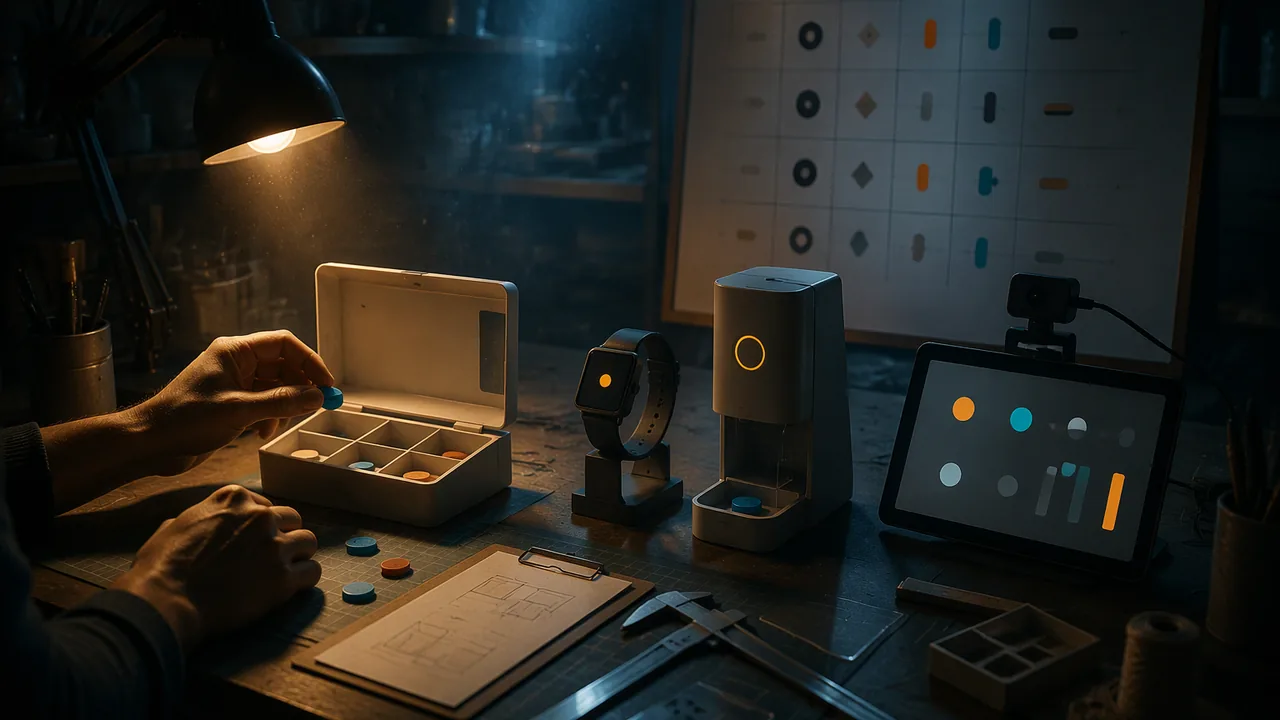
define a biomedical design problem with criteria and constraints, choose between concepts with a weighted decision matrix, and build and test a prototype that includes an AI component.
Instruction
In this workshop you run the engineering design process on your own idea. This course asks you to design a hypothetical biomedical project, build a prototype with tangible materials or multimedia tools, and integrate AI to refine and visualize it.
1. Define the problem. Write a problem statement that names a user and a need without naming a solution: “People managing several daily medications at home have trouble knowing whether they have taken each dose” rather than “I will build a smart pill box”. List criteria (it must be easy for users with limited dexterity, give a clear reminder, protect privacy) and constraints (it must fit in a hand, run on batteries, cost under a set amount).
2. Generate and select. Sketch at least three different concepts. To choose fairly, use a weighted decision matrix. Give each criterion a weight that reflects its importance, with the weights adding to 1.00. Score each concept from 1 to 5 on each criterion, multiply by the weight and add. Worked example (illustrative): weights are safety 0.35, usability 0.25, cost 0.20, feasibility 0.20. Concept A scores 4, 3, 5, 2: 0.35 × 4 + 0.25 × 3 + 0.20 × 5 + 0.20 × 2 = 1.40 + 0.75 + 1.00 + 0.40 = 3.55. Concept B scores 5, 4, 2, 4: 1.75 + 1.00 + 0.40 + 0.80 = 3.95. Concept C scores 3, 5, 4, 3: 1.05 + 1.25 + 0.80 + 0.60 = 3.70. Concept B wins, even though it scores worst on cost, because safety and usability carry the most weight. Always check whether a small change in the weights would change the winner; if it would, the choice is close, and your reasoning matters more than the number.
3. Where does AI fit? Be precise about the AI component’s job. Is it a classifier (does the camera see the pill compartment empty or full?), a predictor (is this user likely to miss the evening dose?) or a generator (does it draft a reminder message)? Draw a data-flow diagram: what data goes in, what the model outputs, who sees the output and what happens next. Mark where a human checks or can override. Identify one way the AI could fail and how the design limits the harm.
4. Prototype. Choose the right fidelity. A low-fidelity prototype (card, foam, clay, paper screens) tests form and flow quickly. A higher-fidelity prototype (a Blender model, a p5.js interface, a spreadsheet that stands in for the classifier’s output) tests how it looks and behaves. Most good projects use both.
5. Test. Write a test plan: what you will test (a criterion), how, with whom, and what counts as success. For example: two or three adults you know, such as family members, each try at home to load a day’s compartments with gloves on; success is under 60 seconds with no errors. Ask first, and get a parent’s OK before observing anyone under 18; if no one is available, test yourself after a day away and say so in the log. Log the results, including failures, and one change you made because of them.
Documenting as you go. Photograph every stage, date your sketches and keep your matrix calculations. This record becomes your design portfolio, and it is also the kind of evidence inventors keep to show when and how they developed an idea.
📖 Read for this lesson
The reading opens over the lesson; close it to come back to exactly where you were. The checks below draw on it.
Formative check
Work through these before moving on. They are not graded — they tell you whether the standard below has landed yet.
With weights safety 0.35, usability 0.25, cost 0.20 and feasibility 0.20, a concept scores 3, 4, 4, 5. What is its weighted total?
Which is a well-formed problem statement?
A data-flow diagram for an AI component should mark where a human can check or override the output.
Paste your decision matrix with weights, scores and totals. Say whether a change of 0.05 in any one weight would change the winner, and what that tells you about your choice.
How confident are you that you can define a design problem, choose a concept with a decision matrix and build and test a prototype with an AI component?
Practice
Work these on paper or in your notebook, then open Check your answer. Aim for all of Fluency and Application; try at least one Challenge.
Printable version: this unit’s practice workbook (PDF)
Fluency
Build speed and accuracy with the core skill.
- Define problem statement, weighted decision matrix, data-flow diagram and fidelity.
Check your answer
Answer: Problem statement: a description of a user and a need that does not presuppose a solution. Weighted decision matrix: a table that scores concepts against weighted criteria. Data-flow diagram: shows what data enters a system, how it is processed and where outputs go. Fidelity: how closely a prototype resembles the final product.These are the tools of the design workshop. - Sort into criteria or constraints for a medication reminder device: (a) easy for users with limited dexterity; (b) must fit in a hand; (c) gives a clear reminder; (d) runs on batteries; (e) protects privacy.
Check your answer
Answer: Criteria: (a), (c), (e). Constraints: (b), (d).Criteria describe what success looks like; constraints are the limits the design must work within. - Name the three kinds of job the lesson says an AI component might do, with the pill-box example of each.
Check your answer
Answer: Classifier: does the camera see the pill compartment empty or full? Predictor: is this user likely to miss the evening dose? Generator: does it draft a reminder message?Be precise about the AI component’s job.
Application
Use the skill in context. Show your reasoning.
- With weights safety 0.35, usability 0.25, cost 0.20, feasibility 0.20, compute the totals for Concept D (scores 2, 5, 5, 4) and Concept E (scores 5, 3, 3, 3). Which wins?
Check your answer
Answer: D = 3.75; E = 3.70. D wins narrowly, even though it scores worst on safety, so check whether a small weight change would flip it.D: 0.35 x 2 + 0.25 x 5 + 0.20 x 5 + 0.20 x 4 = 0.70 + 1.25 + 1.00 + 0.80 = 3.75. E: 0.35 x 5 + 0.25 x 3 + 0.20 x 3 + 0.20 x 3 = 1.75 + 0.75 + 0.60 + 0.60 = 3.70. A 0.05 gap is close; the reasoning matters more than the number. - In the lesson’s worked example (A 3.55, B 3.95, C 3.70), move 0.05 of weight from safety to cost (safety 0.30, cost 0.25). Recompute all three totals. Does the winner change?
Check your answer
Answer: A 3.60, B 3.80, C 3.75. B still wins, but C is now only 0.05 behind.A: 0.30 x 4 + 0.25 x 3 + 0.25 x 5 + 0.20 x 2 = 1.20 + 0.75 + 1.25 + 0.40 = 3.60. B: 1.50 + 1.00 + 0.50 + 0.80 = 3.80. C: 0.90 + 1.25 + 1.00 + 0.60 = 3.75. The choice is close, so your reasoning matters more than the number. - Rewrite as a problem statement that names a user and a need without a solution: ‘I will build an AI inhaler tracker.’
Check your answer
Answer: Model: ‘People who use an inhaler at home have trouble keeping track of when they last used it.’Name the user and the need; leave the solution open so more concepts are possible. - Draw (in words) a data-flow diagram for a pill-box camera classifier: input, model output, who sees it, what happens next, where a human checks, and one failure with how the design limits harm.
Check your answer
Answer: Model: Input: a photo of each compartment. Model output: empty or full. Who sees it: the user, on a small screen. Next: if full after the dose time, a reminder appears. Human check: the user can tap ‘I took it’ to override. Failure: poor light makes a full compartment look empty, so no reminder appears; the design limits harm with a built-in light and by always showing the last time the user confirmed a dose.A strong answer marks the human override and names a specific failure plus a design response. - Write a test plan for one criterion of your pill-box prototype: what, how, with whom, and what counts as success.
Check your answer
Answer: Model: What: usability for limited dexterity. How: load a day’s compartments while wearing gloves, timed. With whom: two or three adults at home who agree to help (or myself after a day away if no one is available, noted in the log). Success: under 60 seconds with no errors.Ask first, get a parent’s OK before observing anyone under 18, and log failures and the change you made.
Review
Keep earlier skills sharp.
- Review 2.2: Your pill-box classifier is tested on 20 compartments: TP 8, FN 2, FP 1, TN 9 (full counts as positive). What is its accuracy and sensitivity?
Check your answer
Answer: Accuracy 85%; sensitivity 80%.(8 + 9) / 20 = 17 / 20 = 85%; 8 / (8 + 2) = 80%. These are invented numbers.
From Sketch to Prototype: The Whole Process Worked Once, With Numbers
SLS original worked example (all numbers illustrative and computed on the page); sample-size statement from FDA, Applying Human Factors and Usability Engineering to Medical Devices (retrieved 2026-09-26) · SLS original (worked example), with a public-domain statement from the U.S. FDA
Why this reading. The workshop asks you to write a problem statement, choose between concepts with a weighted decision matrix, check whether a change of 0.05 in a weight changes the winner, draw a data-flow diagram with a human check, and test a prototype. Here is the whole process worked once, with numbers you can recompute, on a problem you do not have to use. Then do it for your own idea.
1. Problem statement, criteria, constraints (exemplar, SLS original)
Problem statement. People managing several daily medications at home have trouble knowing whether they have taken each dose. (A user and a need; no solution named.)
| Criteria (what success looks like) | Constraints (limits) |
|---|---|
| A user with limited hand strength can open one compartment with one hand | Fits in a hand, under 300 g |
| A clear signal for each dose, readable without glasses | Battery-powered, two weeks per charge |
| Health information stays on the device | Material cost under $40 for the prototype |
2. Three concepts and the weighted matrix
Concept A: a printed dose card with tear-off tabs. Concept B: a pill tray with a camera that checks whether each compartment is empty. Concept C: a phone reminder app. Weights add to 1.00: Safety 0.35, Usability 0.25, Cost 0.20, Feasibility 0.20. Scores run from 1 to 5.
| Concept | Safety | Usability | Cost | Feasibility | Total |
|---|---|---|---|---|---|
| A | 4 x 0.35 = 1.40 | 3 x 0.25 = 0.75 | 5 x 0.20 = 1.00 | 2 x 0.20 = 0.40 | 3.55 |
| B | 5 x 0.35 = 1.75 | 4 x 0.25 = 1.00 | 2 x 0.20 = 0.40 | 4 x 0.20 = 0.80 | 3.95 |
| C | 3 x 0.35 = 1.05 | 5 x 0.25 = 1.25 | 4 x 0.20 = 0.80 | 3 x 0.20 = 0.60 | 3.70 |
Concept B wins with 3.95. Check one row: A = 1.40 + 0.75 + 1.00 + 0.40 = 3.55. A separate concept scoring 3, 4, 4, 5 would total 1.05 + 1.00 + 0.80 + 1.00 = 3.85.
3. Does a change of 0.05 in one weight change the winner?
| Change | A | B | C | Winner |
|---|---|---|---|---|
| Safety − 0.05, Usability + 0.05 | 3.50 | 3.90 | 3.80 | B |
| Safety − 0.05, Cost + 0.05 | 3.60 | 3.80 | 3.75 | B |
| Safety − 0.05, Feasibility + 0.05 | 3.45 | 3.90 | 3.70 | B |
| Usability − 0.05, Safety + 0.05 | 3.60 | 4.00 | 3.60 | B |
| Usability − 0.05, Cost + 0.05 | 3.65 | 3.85 | 3.65 | B |
| Usability − 0.05, Feasibility + 0.05 | 3.50 | 3.95 | 3.60 | B |
| Cost − 0.05, Safety + 0.05 | 3.50 | 4.10 | 3.65 | B |
| Cost − 0.05, Usability + 0.05 | 3.45 | 4.05 | 3.75 | B |
| Cost − 0.05, Feasibility + 0.05 | 3.40 | 4.05 | 3.65 | B |
| Feasibility − 0.05, Safety + 0.05 | 3.65 | 4.00 | 3.70 | B |
| Feasibility − 0.05, Usability + 0.05 | 3.60 | 3.95 | 3.80 | B |
| Feasibility − 0.05, Cost + 0.05 | 3.70 | 3.85 | 3.75 | B |
Result: in 12 of 12 single shifts of 0.05, B still wins. B’s lead over C is 0.25 in the original (3.95 versus 3.70); the smallest lead in the table is 0.05. A lead that small is a close call: say so in your reasoning, and when a change would flip the winner, the choice depends on a value judgment about the weights, not on the numbers.
4. Data-flow diagram for Concept B’s AI component (in words)
- Input: a photograph of the seven-compartment tray, taken when the lid opens.
- Model: a classifier that labels each compartment empty or occupied. Its output is a label and a confidence, not an instruction.
- Output shown: a small light beside each compartment, plus the label “check” when confidence is low.
- Human check (marked): the user confirms or overrides each light with a button. The tray never tells the user to take or skip a dose.
- Stored: the confirmed log, on the device only.
- One failure and its limit: in poor light the classifier may call a full compartment empty. Harm limit: the human confirm step, the low-confidence “check” label, and no dosing instruction.
5. Prototype test log (worked example, invented results)
| Trial | Condition | Compartments correct (of 7) | Change made |
|---|---|---|---|
| 1 | Lamp on, tray tilted 0 degrees | 7 | — |
| 2 | Lamp off, window light | 5 | Added a low-confidence “check” label |
| 3 | Lamp off, with the label | 5 correct, 2 flagged “check” | Kept the label |
| 4 | Lamp on, tray tilted 20 degrees | 6 | Noted the limit in the test log |
Write down what you changed between trials and why. How many trials are enough? For a real device, the FDA’s human factors guidance says validation testing should generally include at least 15 participants from each user population; a home test with a few users is formative testing to find problems, not proof that a design is safe. (Source: FDA, Applying Human Factors and Usability Engineering to Medical Devices, guidance reissued Aug. 3, 2026, originally Feb. 3, 2016; nonbinding recommendations.)
Sources: FDA, Applying Human Factors and Usability Engineering to Medical Devices (fda.gov)