
Modern AI systems demand massive computational power. As datasets grow and algorithms become more complex, traditional CPUs often struggle to keep up. Enter the GPU: a specialized processor originally designed for graphics, now critical for AI breakthroughs.
Many of today’s most advanced AI models, like deep learning neural networks, would be impractical to train without the parallel power of GPUs.
Using GPUs
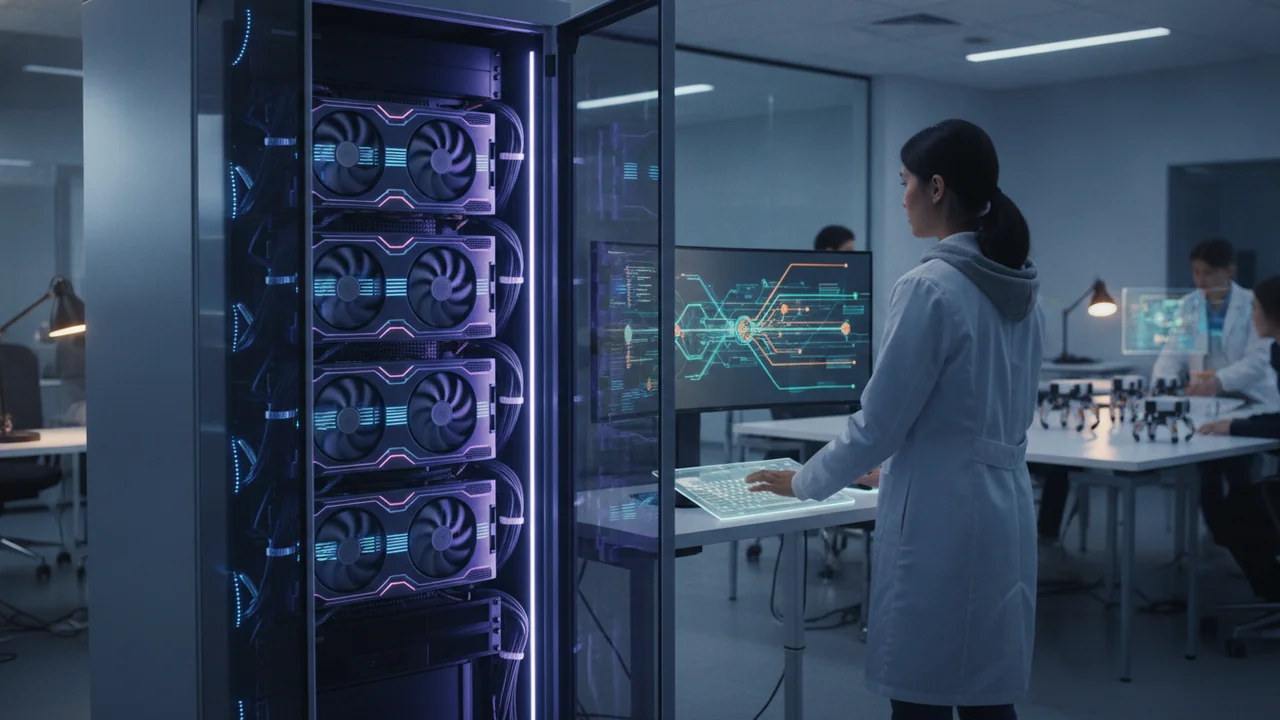
After creating a prototypical setup to perform the tasks required to simulate human thought on a given topic, AI may need additional hardware to provide sufficient processing power to work with the full dataset required of a production system. Many methods are available to provide such processing power, but a common one is to use graphics processing units (GPUs) in addition to the central processor of a machine. The following sections describe the problem domain that a GPU addresses, what precisely the term GPU means, and why a GPU makes processing faster.
Alan Turing’s work on the Bombe machine was foundational, inspiring future generations to explore and invent specialized hardware, even though the Bombe itself was not a computer.
Considering Alan Turing’s Bombe Machine
Alan Turing’s Bombe machine wasn’t any form of AI. In fact, it isn’t even a real computer. It broke Enigma cryptographic messages, and that’s it. However, it did provide food for thought for Turing, which eventually led to a paper titled “Computing Machinery and Intelligence.” Turing published that paper, which describes the imitation game, in the 1950s. (The movie The Imitation Game depicts the events surrounding the creation of this game.) However, the Bombe itself was actually based on a Polish machine called the Bomba.
Even though some sources imply that Alan Turing worked alone, the Bombe was produced with the help of many people, most especially Gordon Welchman. Neither did Turing spring from a vacuum, ready-made to break German encryption. His time at Princeton was spent with legendary figures like Albert Einstein and John von Neumann (who would go on to invent the concept of computer software). The papers Turing wrote inspired these other scientists to experiment and see what is possible.
Specialized hardware of all sorts will continue to appear as long as scientists are writing papers, bouncing ideas off each other, creating new ideas of their own, and experimenting. When you see movies or other media, assuming that they’re reasonably historically accurate, don’t leave with the feeling that these people just woke up one morning and proclaimed, “Today, I will be brilliant!” and then went on to do something marvelous. Everything builds on something else, so history is important because it helps show the path followed and illuminates other promising paths — those not followed.
Want to go deeper? The science behind the von Neumann bottleneck
The “von Neumann bottleneck” is named after John von Neumann, who designed early computer architectures with a single bus connecting memory and processor. As CPUs became faster, the limited bandwidth between memory and processor often slowed down overall performance. Hardware solutions like caching and prefetching alleviate, but do not eliminate, this bottleneck. This challenge is especially pressing in AI, where large datasets must be rapidly processed.
Considering the von Neumann bottleneck
The von Neumann bottleneck is a natural result of using a bus to transfer data between the processor, memory, long-term storage, and peripheral devices. No matter how fast the bus performs its task, overwhelming it — that is, forming a bottleneck that reduces speed — is always possible. Over time, processor speeds continue to increase while memory and other device improvements focus on density — the capability to store more in less space. Consequently, the bottleneck becomes more of an issue with every improvement, causing the processor to spend a lot of time being idle.
Within reason, you can overcome some of the issues that surround the von Neumann bottleneck and produce small, but noticeable, increases in application speed. Here are the most common solutions:
- Caching: When problems with obtaining data from memory fast enough with the von Neumann architecture became evident, hardware vendors quickly responded by adding localized memory that didn’t require bus access. This memory appears external to the processor but as part of the processor package. High-speed cache is expensive, however, so cache sizes tend to be small.
- Processor caching: Unfortunately, external caches still provide insufficient speed. Even using the fastest RAM available and cutting out the bus access completely doesn’t meet the processing capacity needs of the processor. Consequently, vendors started adding internal memory — a cache smaller than the external cache, but with even faster access because it’s part of the processor.
- Prefetching: The problem with caches is that they prove useful only when they contain the correct data. Unfortunately, cache hits prove low in applications that use a lot of data and perform a wide variety of tasks. The next step in making processors work faster is to guess which data the application will require next and load it into a cache before the application requires it.
- Using specialty RAM: You can get buried by RAM alphabet soup because more kinds of RAM exist than most people imagine. Each kind of RAM purports to solve at least part of the von Neumann bottleneck problem, and they do work — within limits. In most cases, the improvements revolve around the idea of getting data from memory and onto the bus faster. Two major (and many minor) factors affect speed: memory speed (how fast the memory moves data) and latency (how long it takes to locate a particular piece of data).
Which of the bottleneck solutions do you think would be most effective for AI workloads, and why?

As with many other areas of technology, hype can become a problem. For example, multithreading is often touted as a means to overcome the von Neumann bottleneck, but it doesn’t actually help the bottleneck. Multithreading is an answer to another problem: making the application more efficient. When an application adds latency issues to the von Neumann bottleneck, the entire system slows. Multithreading ensures that the processor doesn’t waste yet more time waiting for the user or the application, but instead has something to do all the time. Application latency can occur with any processor architecture, not just the von Neumann architecture. Even so, anything that speeds the overall operation of an application is visible to the user and the system as a whole.
Multithreading is often believed to solve the von Neumann bottleneck.
Multithreading can improve application efficiency, but does not address the bandwidth limitations inherent to the von Neumann bottleneck.
- Specialized hardware, including GPUs, builds on decades of innovation and collaboration.
- The von Neumann bottleneck is a fundamental constraint in traditional computing architectures.
The limitation caused by the single data bus connecting a computer’s memory and processor, which restricts the flow of data and hampers performance.
Storing frequently accessed data in a small, high-speed memory close to the processor, to reduce delays caused by slow data retrieval.
How does the von Neumann bottleneck illustrate the need for specialized hardware in AI?
Defining the GPU
The original intent of a GPU was to process image data quickly and then display the resulting image onscreen. During the initial phase of PC evolution, the CPU performed all the processing, which meant that graphics could appear slowly while the CPU performed other tasks. During this time, a PC typically came equipped with a display adapter, which contains little or no processing power. A display adapter merely converts the computer data into a visual form. In fact, using just one processor proved almost impossible after the PC moved past text-only displays or extremely simple 16-color graphics. However, GPUs didn’t make many inroads into computing until people began wanting 3D output. At this point, a combination of a CPU and a display adapter simply couldn’t do the job.
A first step in this direction was taken by systems such as the Hauppauge 4860, which included a CPU and a special graphics chip (the 80860, in this case) on the motherboard. The 80860 provides the benefit of performing calculations extremely fast. Unfortunately, these multiprocessor, asynchronous systems didn’t quite meet the expectations that people had for them (although they were incredibly fast for systems of the time), and they proved extremely expensive. Plus, there was the whole issue of writing applications that included that second (or subsequent) chip. The two chips also shared memory (which was abundant for these systems).
A GPU moves graphics processing from the motherboard to the graphics peripheral board. The CPU can tell the GPU to perform a task, and then the GPU determines the best method for doing so independently of the CPU. A GPU has a separate memory, and the data path for its bus is immense. In addition, a GPU can access the …
Today, GPUs are used not only to render stunning visuals in video games, but also to train AI models for recognizing speech, translating languages, and diagnosing diseases faster than ever before.
AI practitioners often choose GPU-powered cloud services for large-scale model training, as they provide the parallel processing required to handle billions of parameters and vast datasets.
Why do you think GPUs outperformed CPUs for tasks like 3D graphics and AI computations?
Does your computer have a dedicated GPU? Explore how you can check for a GPU and what its specifications are.
- On Windows, open Task Manager and look under the “Performance” tab for GPU details.
- On macOS, check “About This Mac” for Graphics information.
- Research whether your device’s GPU supports parallel processing for AI tasks.
Imagine you are tasked with building an AI system for real-time language translation. What hardware considerations would you make, and how would you decide whether to use a GPU?
What is the main purpose of a GPU?
Tap to revealTo process image data quickly and display graphics onscreen, and now to accelerate AI computations.
What is the von Neumann bottleneck?
Tap to revealThe slowdown caused by limited bandwidth between memory and processor in traditional computer architectures.
How does caching improve processor speed?
Tap to revealBy storing frequently needed data in high-speed memory close to the processor, reducing retrieval time.
What is the primary reason GPUs are used alongside CPUs in modern AI applications?
GPUs accelerate AI computations by enabling massively parallel data processing, overcoming limitations of traditional CPU architectures.
The von Neumann bottleneck is a fundamental obstacle in computing, and specialized hardware like GPUs are essential to bypass it for modern AI workloads.
Everything builds on something else, so history is important because it helps show the path followed and illuminates other promising paths — those not followed.
The Shift
- Specialized hardware, such as GPUs, is crucial for AI’s advancement and real-world impact.
- The von Neumann bottleneck illustrates why new architectures are needed for demanding tasks like AI.
- Understanding the evolution of computing hardware allows us to appreciate and choose the right tools for AI challenges.